Save selected tabs
Choose individual eligible web tabs or save all eligible HTTP and HTTPS tabs in the current browser window as a workspace.
Save the tabs you need for a task, add a note about where you left off, and reopen that workspace when you are ready to continue.
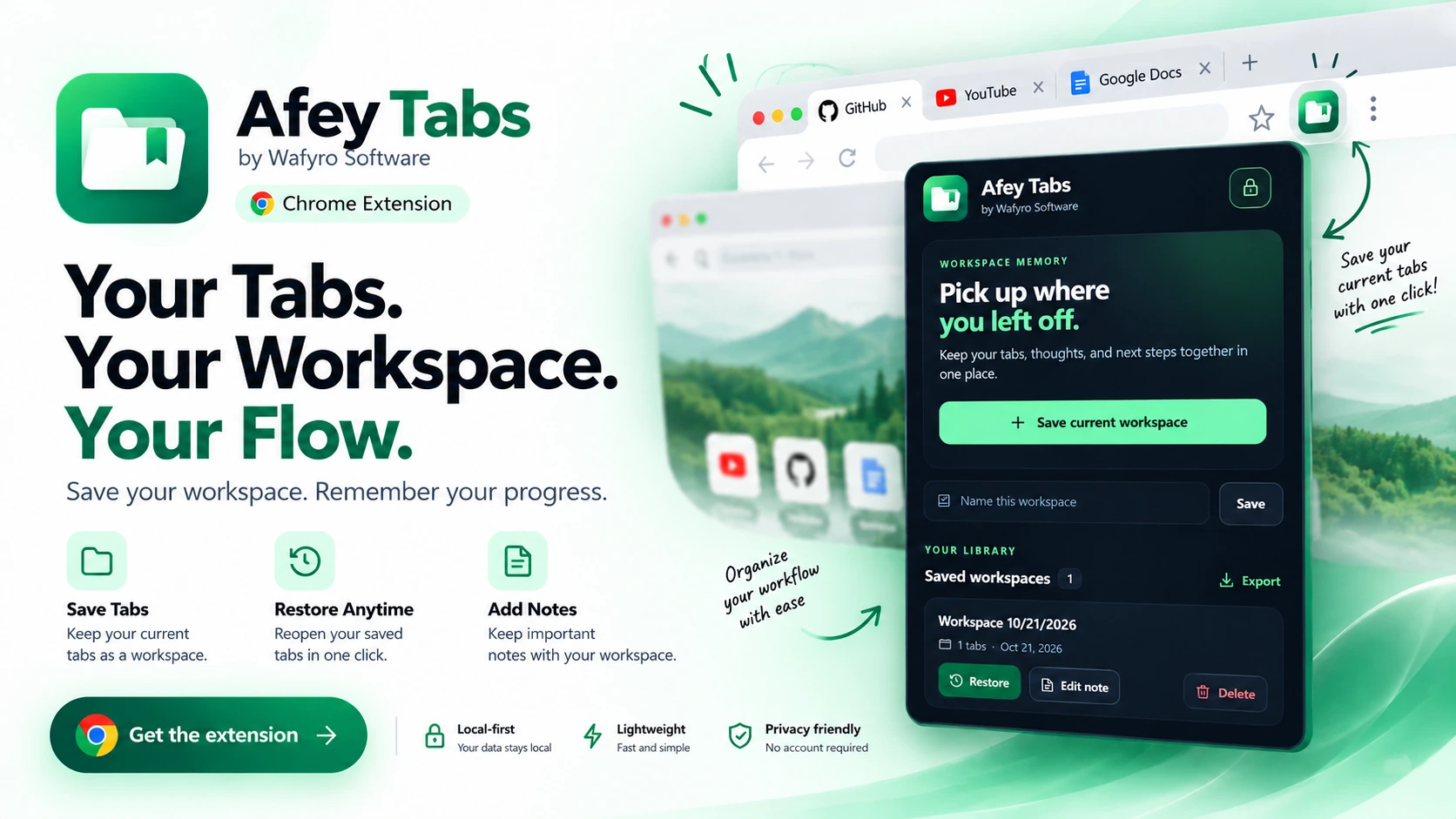
Afey Tabs helps you return to a task without rebuilding your browser setup from memory.
Choose individual eligible web tabs or save all eligible HTTP and HTTPS tabs in the current browser window as a workspace.
Reopen the tabs saved in a workspace when you return to a study session, research task, or development task.
Add a note with what you were doing, a reminder, or the next step. Edit the note later as your work changes.
Keep different tasks separate with workspace names, so saved tabs for one activity do not have to stay mixed with another.
Download saved workspace data as a JSON file. The backup can include saved tab URLs and notes, so store it carefully.
Workspace data is stored using Chrome's local extension storage. The extension does not require an account or remote database.
Save the useful parts of your browser session, then return to them when the task comes back into focus.
Open Afey Tabs and choose the eligible web tabs you want to keep, or select all eligible tabs in the current window.
Give the workspace a clear name and optionally write the task context, reminder, or next action.
Open the saved workspace later, restore its tabs, and update or remove the workspace note when needed.
Use named workspaces to keep task-related pages and context grouped together.
Group reading material, reference pages, and research sources. Add a note about the question you were investigating or where to resume.
Keep documentation, issue pages, repository pages, and debugging references together for a specific task.
Separate planning, shopping research, personal projects, or other activities that need several pages open at once.
Afey Tabs stores workspace data in Chrome's local extension storage. An account or remote Afey Tabs database is not required for its current functionality.
The current release focuses on saving and restoring browser workspaces with one optional note per workspace.
No. The current extension stores workspace data locally in Chrome and does not require an account.
No. Cloud sync is not included in the current release. Workspaces are stored locally in the browser where they were created.
Yes. You can export a JSON backup. The current release does not include an import function for that backup.
No. It saves eligible HTTP and HTTPS web tabs from the current browser window. Browser-internal pages and other non-web URLs are excluded.
No. Local storage is not encryption. Avoid storing secrets in workspace notes, and keep exported JSON backups secure.
Get Afey Tabs from the GitHub Releases page and keep task-related tabs and notes together in Chrome.