HTTPS and TLS
Checks HTTPS use and HTTP-to-HTTPS redirection, and presents available TLS certificate details such as issuer and validity.
Run a preliminary check of a public website’s HTTPS setup, TLS certificate details, security headers, and cookie attributes. Review a score, risk level, and practical recommendations in one place.
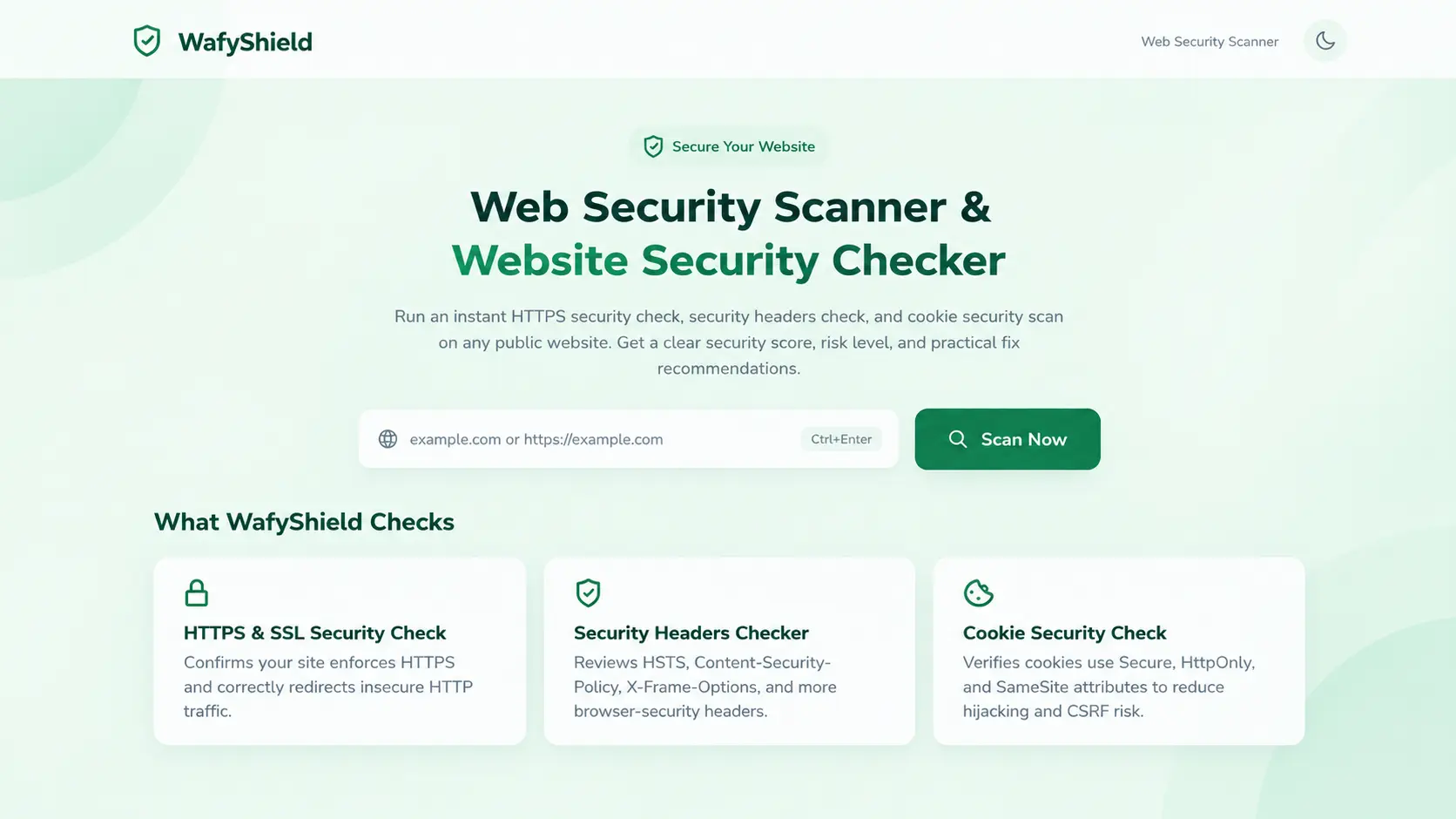
Review several important signals from a website’s publicly available HTTP response.
Checks HTTPS use and HTTP-to-HTTPS redirection, and presents available TLS certificate details such as issuer and validity.
Reviews headers including HSTS, Content Security Policy, X-Frame-Options, X-Content-Type-Options, Referrer-Policy, and Permissions-Policy.
Checks visible cookie attributes such as Secure, HttpOnly, and SameSite, which can help reduce common exposure risks.
Summarizes the scan with a security score, risk level, and PASS, WARNING, or FAIL findings for the checks performed.
Highlights areas that may need attention and provides practical guidance for reviewing or improving the observed configuration.
Keep a scan history in the browser’s local storage and download a JSON report for your own records.
A straightforward workflow for an initial look at a public website’s security configuration.
Open WafyShield and submit the public website address you want to check.
Read the score, risk level, and individual findings to understand which checks passed or need attention.
Use the recommendations to guide further investigation, then export the JSON report if you need a copy.
WafyShield can help with an initial configuration review, whether you manage a site yourself or support other teams.
Review common response-header and HTTPS settings while developing, deploying, or maintaining a website.
Get a readable first-pass view of selected web security settings without needing to interpret every header manually.
Use the results as a quick supplementary check alongside a broader, properly scoped security assessment.
WafyShield checks information it can observe from a public website’s HTTP/HTTPS responses. It is intended as a preliminary review, not an exhaustive security assessment.
WafyShield includes convenience features to review and keep scan results available during later visits.
No. It performs a preliminary check of selected HTTPS/TLS details, response security headers, and cookie attributes. It does not replace a full penetration test or comprehensive security audit.
WafyShield is designed to scan publicly accessible HTTP or HTTPS websites. Private network addresses and localhost targets are blocked by the scanner.
The score summarizes the checks performed by WafyShield. Read it together with the individual findings and recommendations; it is not a guarantee of overall security.
Scan history is stored in your browser’s local storage. Treat your browser profile and exported reports appropriately if they contain information you consider sensitive.
No. The scanner only checks selected signals visible to it. Application logic, authentication, authorization, dependencies, infrastructure, and other security concerns may require separate testing.
Use WafyShield for an initial review of HTTPS, security headers, and cookie settings—then investigate findings in the context of your own site.