Short links and custom aliases
Turn a public HTTP or HTTPS URL into a shorter link. Choose a custom short code when the alias is available.
Create compact links for public HTTP and HTTPS destinations, choose a custom alias, set an expiry, and review available click analytics—all from one web app.
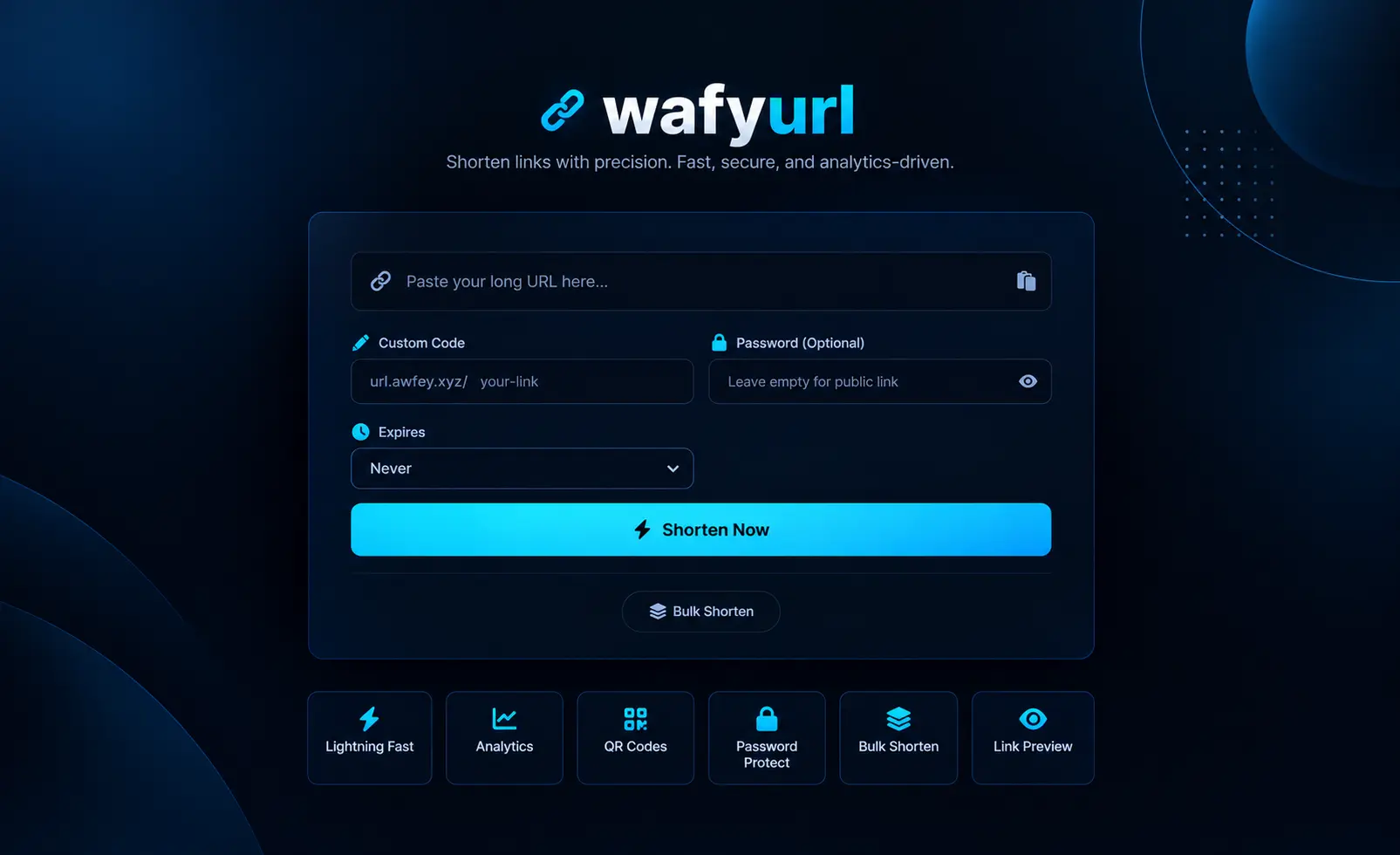
WafyURL combines link shortening with several optional tools for different sharing needs.
Turn a public HTTP or HTTPS URL into a shorter link. Choose a custom short code when the alias is available.
Add a password to require a password check before a visitor is redirected to the destination.
Choose an expiry of one hour, 24 hours, seven days, or 30 days. Links can also be created without a set expiry.
Review click counts and available information such as referrer, device, browser, operating system, and approximate location.
Generate QR codes for shortened links and submit multiple URLs in a single batch. Use the bulk-shortening tool to submit multiple URLs in one batch.
Retrieve available page title, description, and Open Graph image metadata to preview a public destination before sharing.
A simple flow for creating and sharing a shortened link.
Paste a publicly accessible HTTP or HTTPS URL into the shortening form.
Set a custom alias if available, add an optional password, and choose whether the link should expire.
Generate the short link, then use available QR code and analytics tools as needed.
Short links can make sharing easier across personal, creative, business, and technical workflows.
Share long web addresses more neatly in messages, notes, study materials, or documents.
Use custom aliases, QR codes, expiry options, and click analytics when distributing links across channels.
Shorten multiple URLs in a batch and use destination previews when working with public links.
Click analytics may record technical request information to describe link activity.
Password protection adds a step before redirecting, but it should not be treated as a dedicated secure file-sharing or confidential-data service.
Yes. You can request a custom alias if it is available.
Yes. Choose one hour, 24 hours, seven days, or 30 days. You can also leave the link without a configured expiry.
Analytics can include click counts and available referrer, device, browser, operating-system, and location information. Some details depend on what the request and configured location service provide.
Yes. The bulk-shortening tool lets you submit multiple URLs in one batch.
Not by itself. Do not treat password-protected short links as a replacement for a dedicated secure channel for sensitive information.
Open WafyURL to create a short link and explore the available link tools.